
01 · DID
What moved?
Completed work, misses, rules, and commitments—not a self-reported guess.
Close your workday in two minutes.
Runeka brings together what you finished, how the day felt, and where your focus went—so you can shape tomorrow's first move and stop carrying work into your evening.
Free during early access · invitation only.
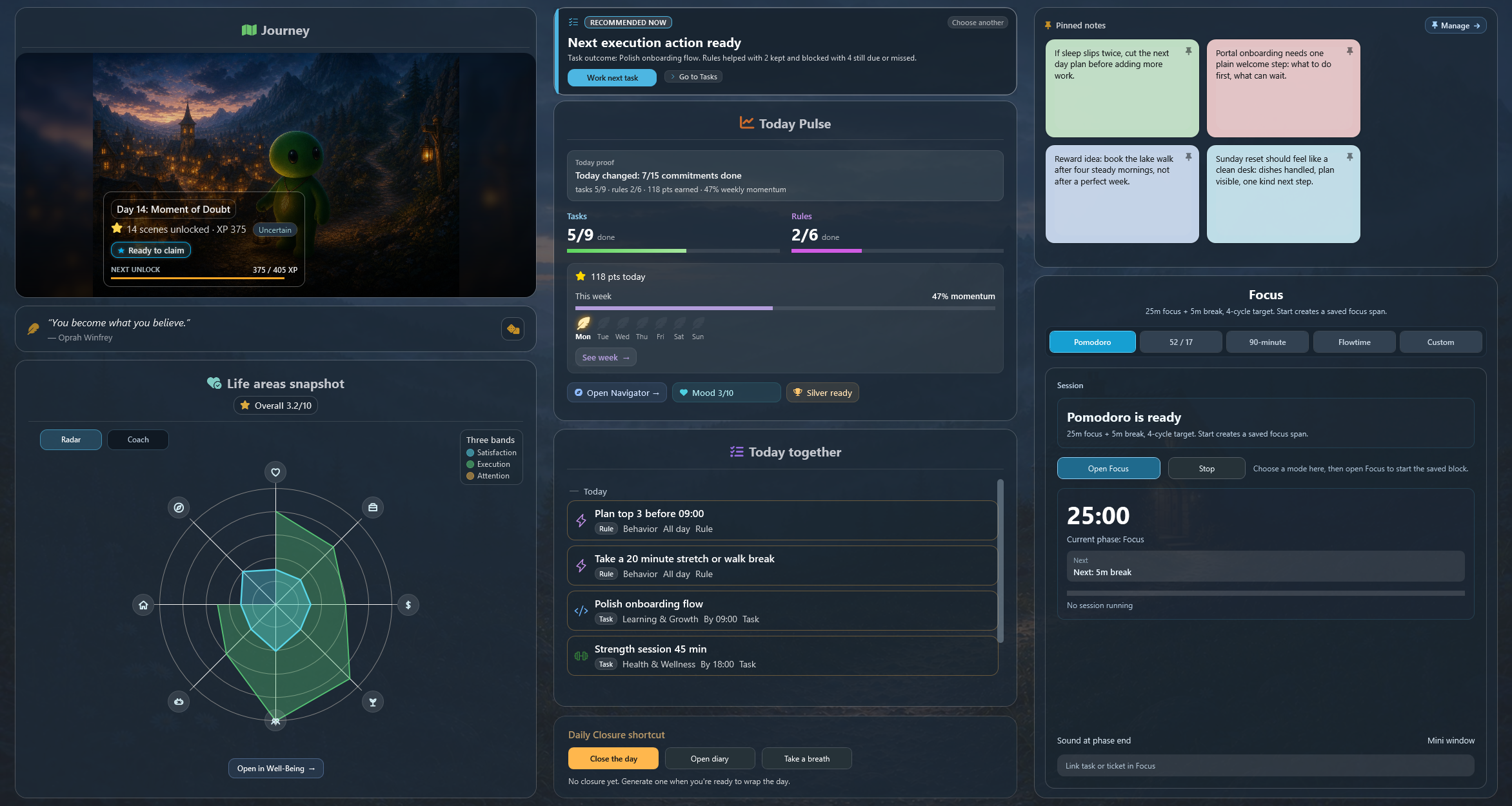
What moved, what it cost, where attention went.

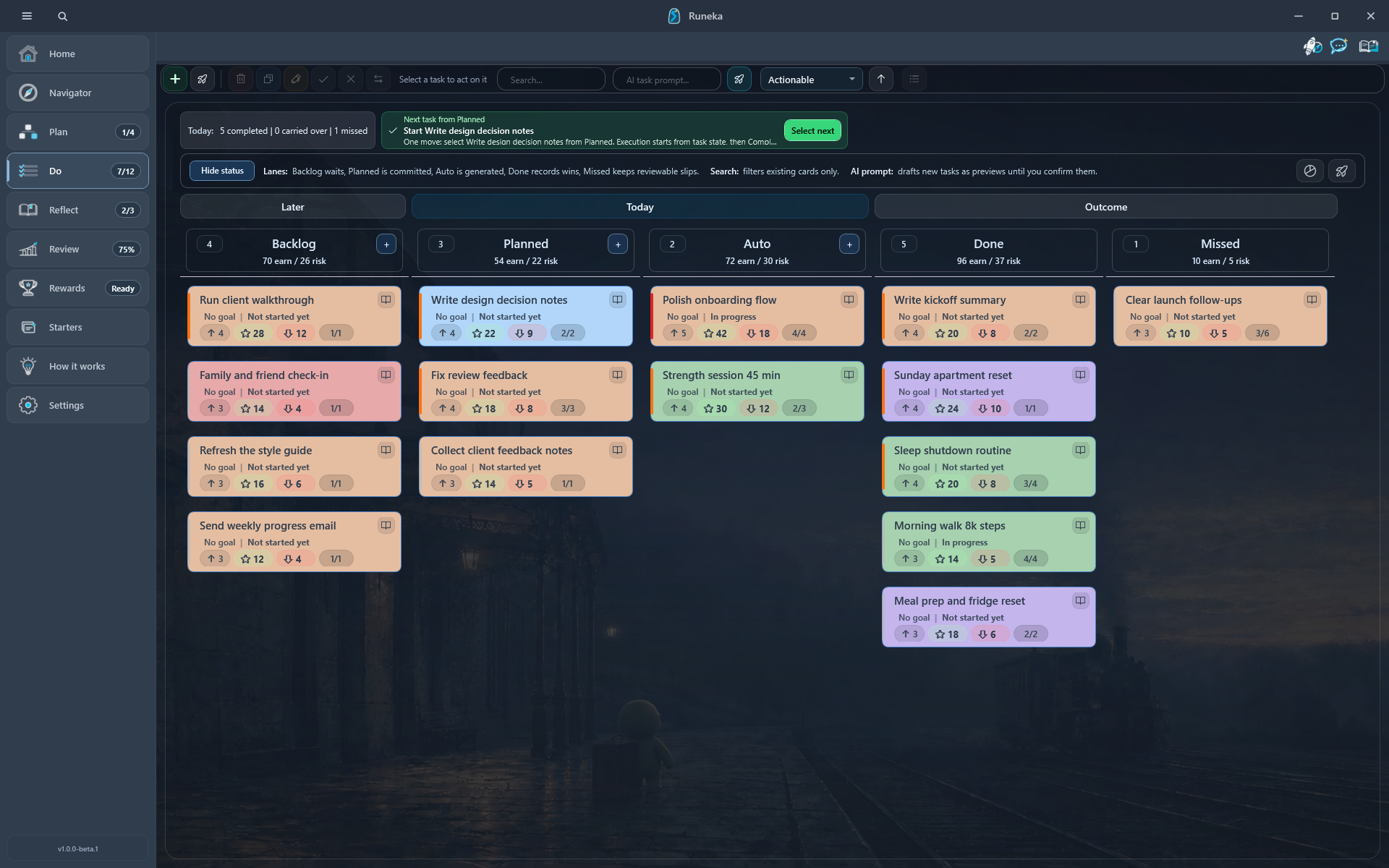
See scattered ideas become a plan, tasks move across the board, and progress earn a visible reward.
Product screens are real. Some illustrative scenes and the narration were created with AI.
Runeka does not ask you to rebuild the day from memory. The work, wellbeing, and focus signals are already there—all three, with the source visible so the AI never becomes a mysterious score. You only add the human meaning.
Done, missed, focused, distracted—no reconstruction required.
Completed work, misses, rules, and commitments—not a self-reported guess.
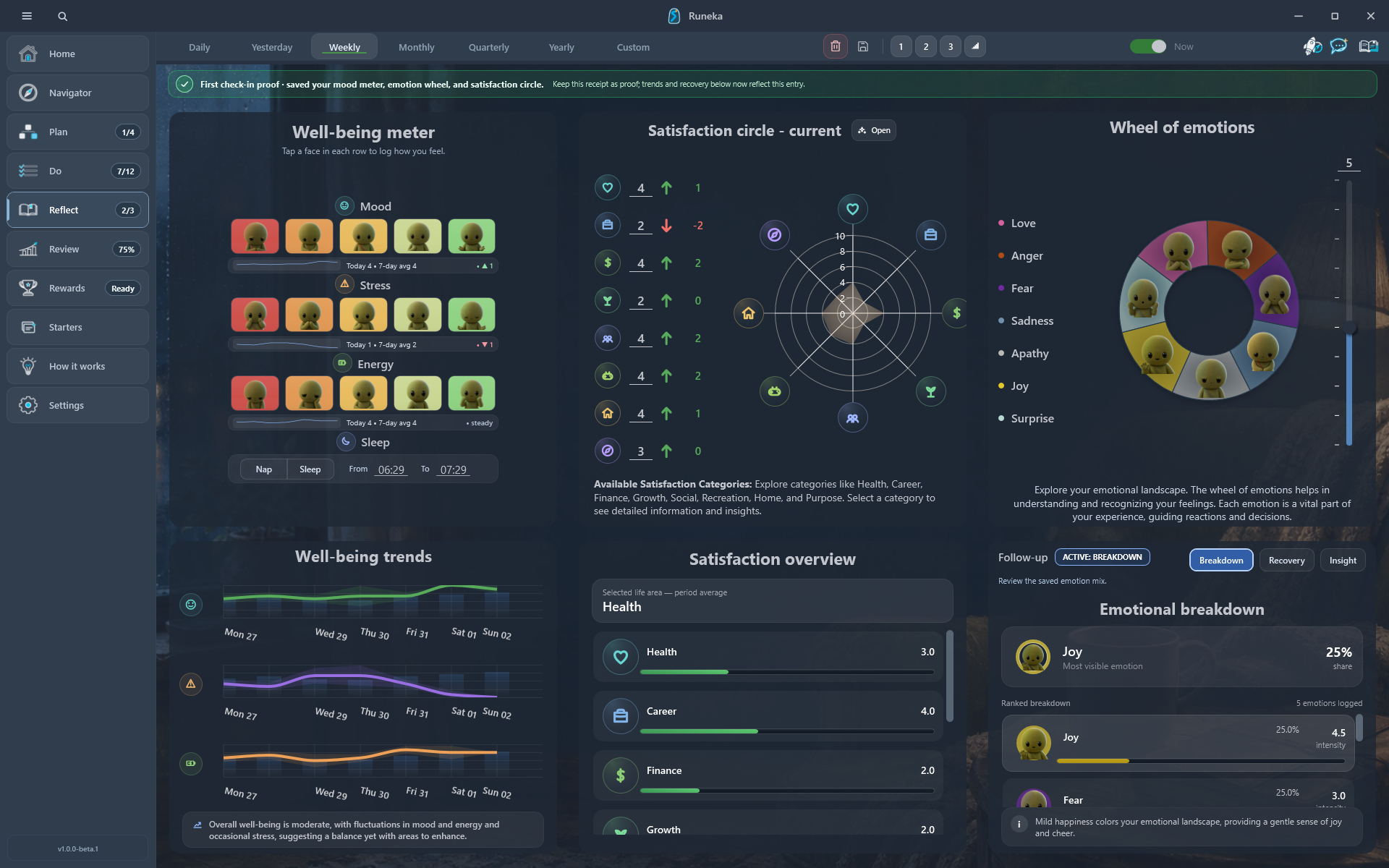
Mood, stress, energy, and sleep sit beside output instead of underneath it.
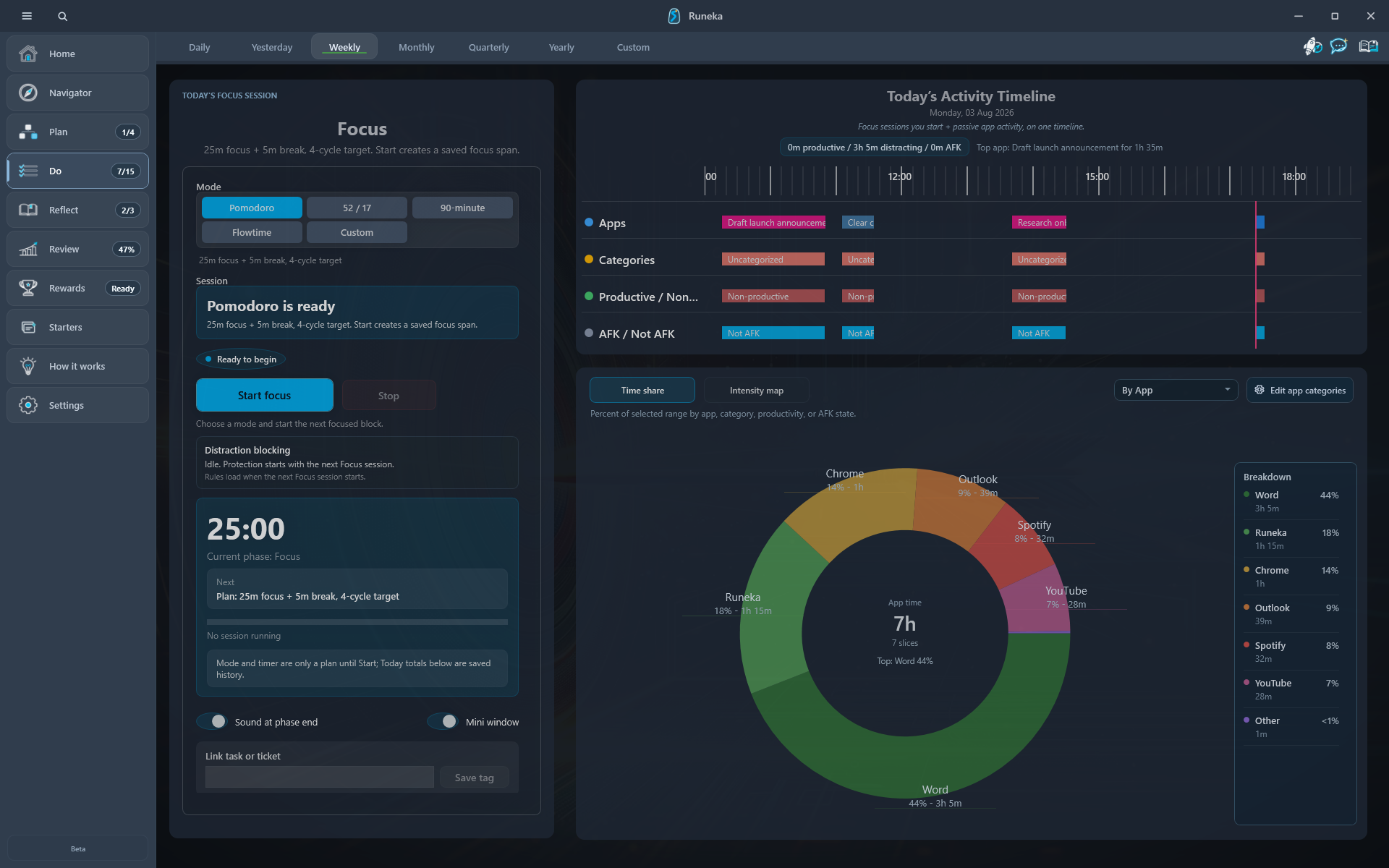
Focus sessions and app activity reveal the shape behind the finished count.
Log mood, stress, energy, and one honest sentence.
AI reflects the whole day back; you keep, edit, or ignore its suggestion.
You finished the release decision while energy was high and protected 96 minutes of uninterrupted work. After lunch, context switching rose as stress rose from low to high. That is not a failed day—it is a useful boundary.
AI is optional and online. A request passes through Runeka's backend to the model provider; free-form journal text is included only when you explicitly opt in.
Leave the desk without carrying an invisible backlog in your head.
The core app works from a SQLite database on your PC. An account is required for trial, purchase, and activation. After activation, core local use works offline during the entitlement grace period. Encrypted cloud backup and AI are explicit online add-ons, not the price of opening the app.
You can begin with the nightly close. Planning, capture, recovery, and rewards are there when the ritual earns a deeper place in your day—not as onboarding homework.
I built Runeka for one feeling: shutting down the computer without the day following me. You leave the worries here — what moved, what is still open, and how it felt — then begin tomorrow fresh, with one clear first move.
Clear boundaries matter more than a longer feature list.
No. The breadth is real, but it is not the pitch. Runeka is organized around one daily ritual: plan, do, and close. The extra tools are depth you discover when that loop needs them.
Yes. The core database is a SQLite file on your PC. An account is required for trial, purchase, and activation; after activation, core local use works offline during the entitlement grace period. Optional cloud backups are encrypted on your device with a passphrase only you know.
Nothing happens to your data. It lives in a SQLite file on your PC and stays yours — Runeka never deletes it and never holds it hostage. Hosted services like AI and cloud backup stop, but your local file and any encrypted backups you made remain on your machine, under your control.
No. AI requests use Runeka's backend and a model provider. After activation, tasks, planning, diary, wellbeing, focus, and the rest of the core app work offline during the entitlement grace period. Free-form journal text is opt-in for AI requests.
One person. Runeka is built by a solo founder, Grega, who closes his own days with it. That is also why it is local-first: your core data lives in a file on your PC rather than on Runeka's servers, and remains under your control.
Runeka is Windows-only today. Mobile companions and sync are roadmap work, not launch features. If cross-platform access is essential now, Runeka is not yet the right fit.
Public downloads are not open yet. Join the early-access list below and we will invite you when the next Windows testing slot opens.
Join the invitation list while we finish commercial setup and the final release pass. We will only email you about access—not a newsletter.
Get an invitation when the next Windows beta opens.
18:44 · Day closed
The day is closed.
Begin again. Move forward.

